
Operational Management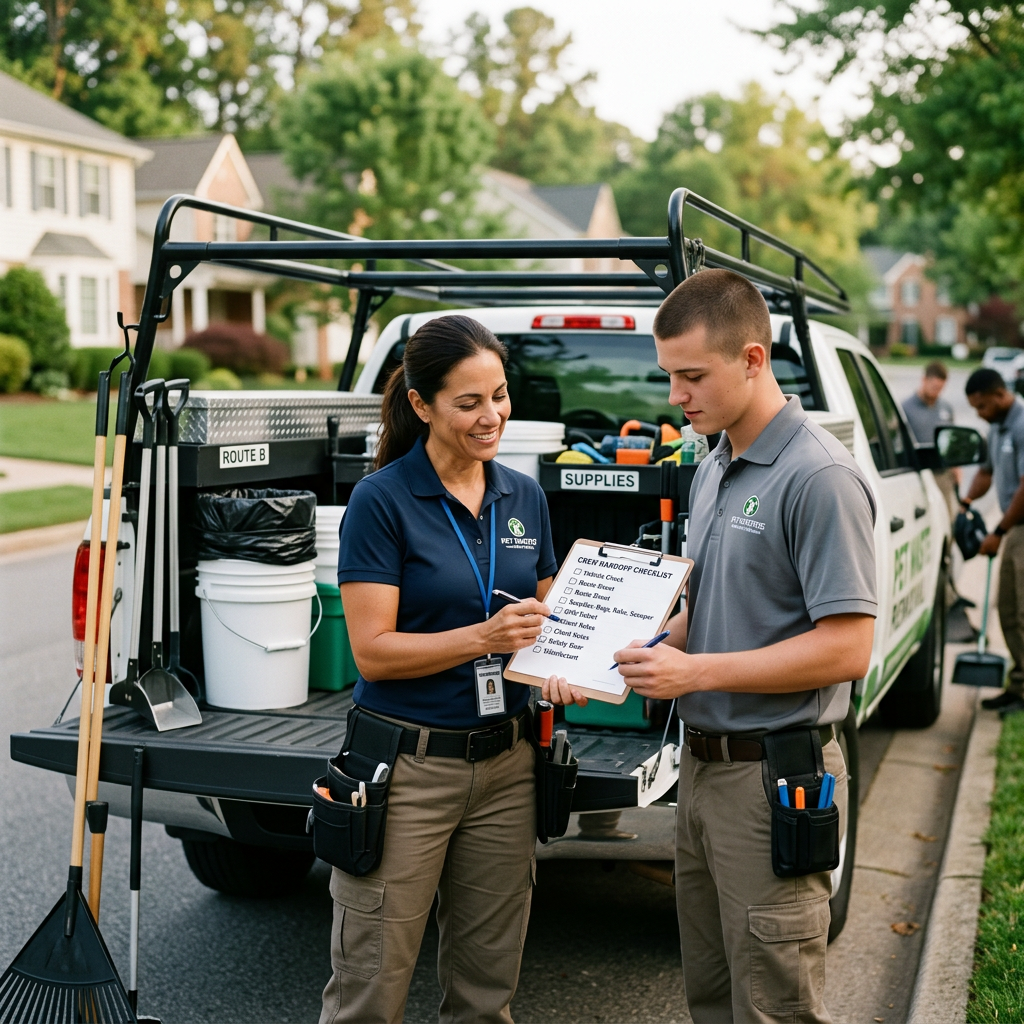
The Essential Crew Handoff Checklist for New Pet Waste Technicians
3 min read·ScooPilot Team
Provide Every New Technician with a Digital Route and Stop Order
Pet waste business owners must provide a clear, prioritized list of stops to ensure new technicians start their shifts efficiently. A structured route prevents confusion and reduces fuel consumption by ensuring the driver follows the most logical path between properties. Each technician needs to see their full schedule on a mobile device so they know exactly which customer comes next throughout the entire day.Essential Property Access and Security Information
Every technician requires the full street address and specific gate codes for every property on their route before they begin their first job. Providing clear instructions on how to access backyards, including hidden key boxes or gate latch quirks, protects the technician from unnecessary frustration. Owners should verify that all access notes are current so that the team can enter and exit properties without delays or safety incidents.Share Vital Dog Names and Behavioral Notes
Pet waste removal professionals need the name of the dog and specific behavioral warnings for every residence on their list. Knowing if a dog is aggressive, prone to escaping, or overly friendly allows the technician to approach each backyard with the appropriate level of caution. Owners should include these details directly in the technician dashboard to minimize the risk of injury or animal escape.Standardize Proof of Work Through Before and After Photos
Technicians should capture a photo of the lawn before cleaning and a second photo after the job is complete to provide an undeniable record of service. These images serve as objective evidence that the technician performed the requested task at that specific location. Before and after photos remain the most effective way for business owners to resolve customer disputes regarding missed waste or incomplete services.Utilize Offline Mode in Dead Zones
Reliable pet waste management software must offer an offline mode so technicians can log their work even when cellular service is unavailable. If a technician enters a neighborhood with no signal, the application should cache the visit data and synchronize with the main system once the connection returns. This technology ensures that office administrators can track progress and verify service completion without requiring the technician to find an active connection between every stop.Real Time Progress Tracking for Office Management
Business owners and office staff should monitor technician progress in real time through the management dashboard to coordinate scheduling adjustments. Real time tracking allows the office to answer customer inquiries accurately by checking the status of any technician during their active route. This transparency helps management identify delays early and provide better support to field staff throughout their workday.Streamlining Handoffs with ScooPilot
Pet waste operators can simplify the daily onboarding process by running crew handoff workflows directly inside ScooPilot. ScooPilot connects scheduling, routing, and customer management into a single interface that allows technicians to access their full stop list, property notes, and service logs in one place. You can Try the ScooPilot live demo to see how these tools work in practice or Explore ScooPilot features to see how our software supports your team. ScooPilot does not replace professional legal advice, insurance, or safety equipment, but it does provide a centralized platform for managing your daily technician workflows.Ready to see it in action?
Explore how ScooPilot connects customer management, scheduling, routing, and billing for pet waste businesses.
Try the ScooPilot live demo